YouTube playlist remaining time
Main intent
Calculate the time left by setting the start number to the first video you still need to watch.
This page helps you calculate the remaining time in a YouTube playlist by using the start and end video range. It cannot read your YouTube watch history or know what you finished automatically, but if you know the next video number, you can start the range there and estimate the time left.
Remaining time
Start at the next unwatched video and calculate the time left in the playlist.
No history access
The tool does not read your YouTube account or watch history; you choose the start number yourself.
Finish planning
Compare 1x, 1.5x, 2x, and daily watch plans for the remaining section.
How to estimate what is left
The calculator cannot detect your watched videos. Instead, you provide the playlist and set a range that begins at the first video you still need. The tool adds that selected section and shows how long it may take to finish.
Look at the playlist order on YouTube and note the number of the next video you need to watch. If you finished the first 14 videos, the next start number is 15.
Paste the playlist URL, open Advanced options, set the start number to the next unwatched video, and leave the end at the last video you want included.
The result shows remaining duration, common speed estimates, unavailable videos, export, share, and a daily plan so you can decide when the playlist can be finished.
What is left
Because the site does not know your private watch history, the cleanest way to estimate remaining time is to start the calculation from the next unwatched video. That keeps the result useful without pretending to know your account activity.
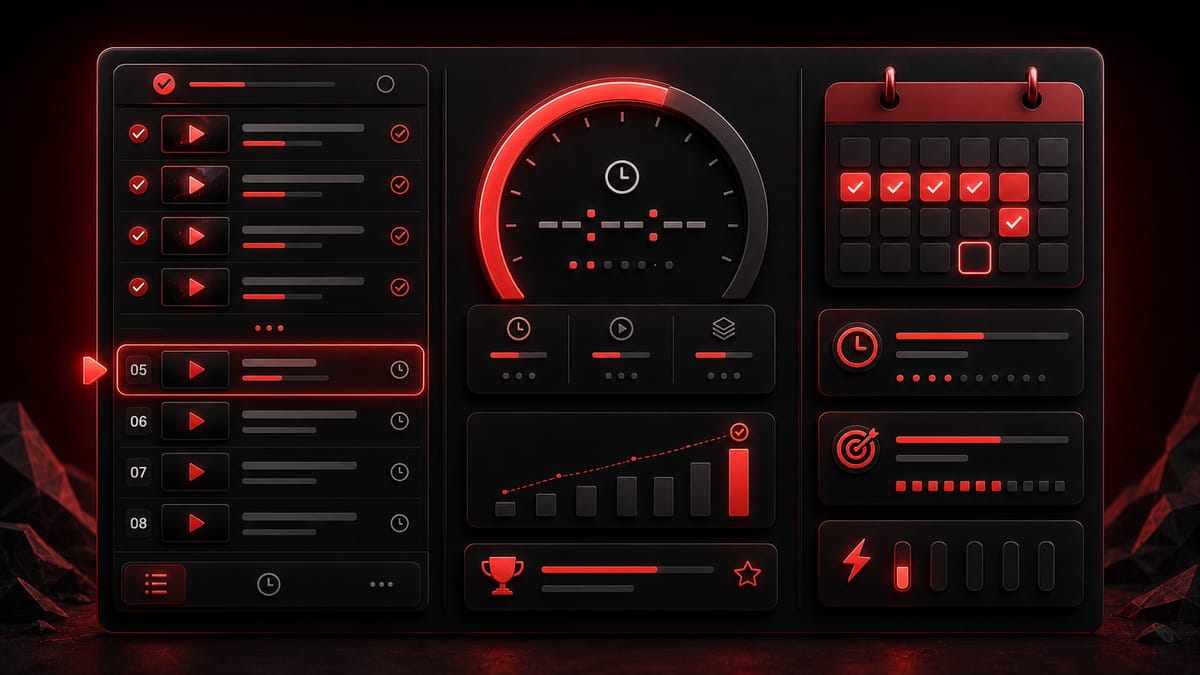
Remaining-time intents
People search for remaining YouTube playlist time when they have already started a playlist and need to know how long the unfinished part will take.
Calculate the time left by setting the start number to the first video you still need to watch.
Use the range fields to skip watched videos and count only the remaining section.
Read the remaining duration, then compare 1.5x and 2x if you usually watch review material faster.
Use the daily watch plan to estimate whether the rest fits today, this week, or a longer schedule.
Estimate how much of a course remains after you finish the early lessons or beginner module.
Calculate the remaining onboarding, compliance, or product training videos from a numbered playlist section.
Important limits
The site does not sign into your account, read watched progress, or inspect your private YouTube history. That is intentional and keeps the calculation simple.
If you want everything after video 20, start at 21. If you only need the next module, set both start and end numbers for that smaller block.
Private, deleted, live, restricted, or missing-duration videos in the remaining section may not be counted. The result shows unavailable items so the estimate is easier to trust.
Remaining-time use cases
This page is useful once you have already started watching and need to decide how to finish the rest.
Online courses
A course may feel endless after you finish the first few sections. Remaining time gives a clearer finish plan.
Set the start video to the first lesson you have not watched.
You know whether the rest fits tonight, the weekend, or several study sessions.
Exam review
When an exam is close, the question is not the full playlist. It is the videos you still need to review.
Use the range fields for the unfinished review block and compare playback speeds.
You can decide whether to review all remaining videos or focus on the longest section.
Training
Work playlists often have required sections. A remaining-time estimate helps people plan completion without guessing.
Start from the next unwatched onboarding or training video.
You know how much time still needs to be scheduled.
Tutorial series
If you paused a tutorial series halfway through, recalculating the full playlist is not helpful.
Start the range at the next tutorial and leave finished videos out.
You can plan the exact section you still need.
Long saved lists
Saved playlists often become long backlogs. A remaining estimate helps you decide whether to finish or split the rest.
Use the video number where you stopped and calculate from there.
You can choose a realistic watch plan instead of abandoning the list.
Shared assignments
Students and teams sometimes need to report how much video work is left without sharing account history.
Calculate the remaining playlist section and export the result if needed.
You have a plain time estimate for the remaining assigned videos.
FAQ
Yes, if you tell the calculator where the remaining section starts. Paste the playlist and set the start video to the first item you still need to watch.
No. The site does not sign into your YouTube account and cannot read your watch history. You choose the start video number manually.
Open Advanced options, set the start video to 18, and leave the end field at a high enough number for the playlist. The result will count from video 18 through the available end of the playlist.
Find the first video you have not watched, then put that number in the start field. If you only need a smaller block, also set the end video number.
Yes. The result includes 1.5x and 2x rows automatically. You can also enter a custom playback speed before calculating.
Yes. After calculation, use the daily watch plan to estimate how many days the remaining section may take at your chosen speed.
Yes. It is useful for courses, lectures, exam review playlists, tutorial series, and training lists where you have already completed the early videos.
The usual reasons are unavailable videos, a start number that skips more videos than intended, or playback speed. Check the range fields and the counted/unavailable video counts.
Only if YouTube data can return that playlist. Private playlists, deleted videos, or restricted items may not be readable and may cause an error or incomplete result.
Yes. After a successful calculation, use the export option to download a spreadsheet with summary and video details.
Usually no. The site can process normal checks with its setup. If shared quota is temporarily limited, you can enter your own key for a single request.
No. This is an independent playlist time calculator. It is not owned by YouTube or Google, and results depend on YouTube Data API availability.
Estimate what is left
Use it for courses, exam review, training playlists, tutorial series, or any playlist you have already started.
Related pages
Need any selected start/end section, not just the unfinished part? Use the YouTube playlist range calculator . For the full playlist total, open the playlist duration calculator . For daily finish planning, use the YouTube playlist time calculator . For music queues, open the YouTube Music playlist duration calculator . For speed-first planning, use the YouTube playlist speed calculator .